
How WuselWall works
WuselWall is a planner for family life. It has a calendar, a timetable, chores, a meal plan and the shopping list, and it shows everything together on the kitchen wall.
The areas
The adults' view has these areas:
| Area | What for |
|---|---|
| Calendar | Appointments and presence: who is where |
| Timetable | School, timetable and holidays for each child |
| Tasks | Chores, points and rewards |
| Meals | Meal plan, recipes, filling the shopping list |
| Shopping list | Items, tiles, ticking off in the shop |
| Today | The day at a glance, and the first steps of the setup |
Today and getting started
Today is the adults' first page. It shows the day's appointments, your chores for today to tick off, the warm meal and how many shopping list items are still open. The small rituals join in: the nearest countdown under Looking forward, the children's meal wishes, the question at the table during the meal, Our week on Sunday evening, and on a birthday a card with Wusel. Appointment times appear above their titles, so they stay readable with larger text.
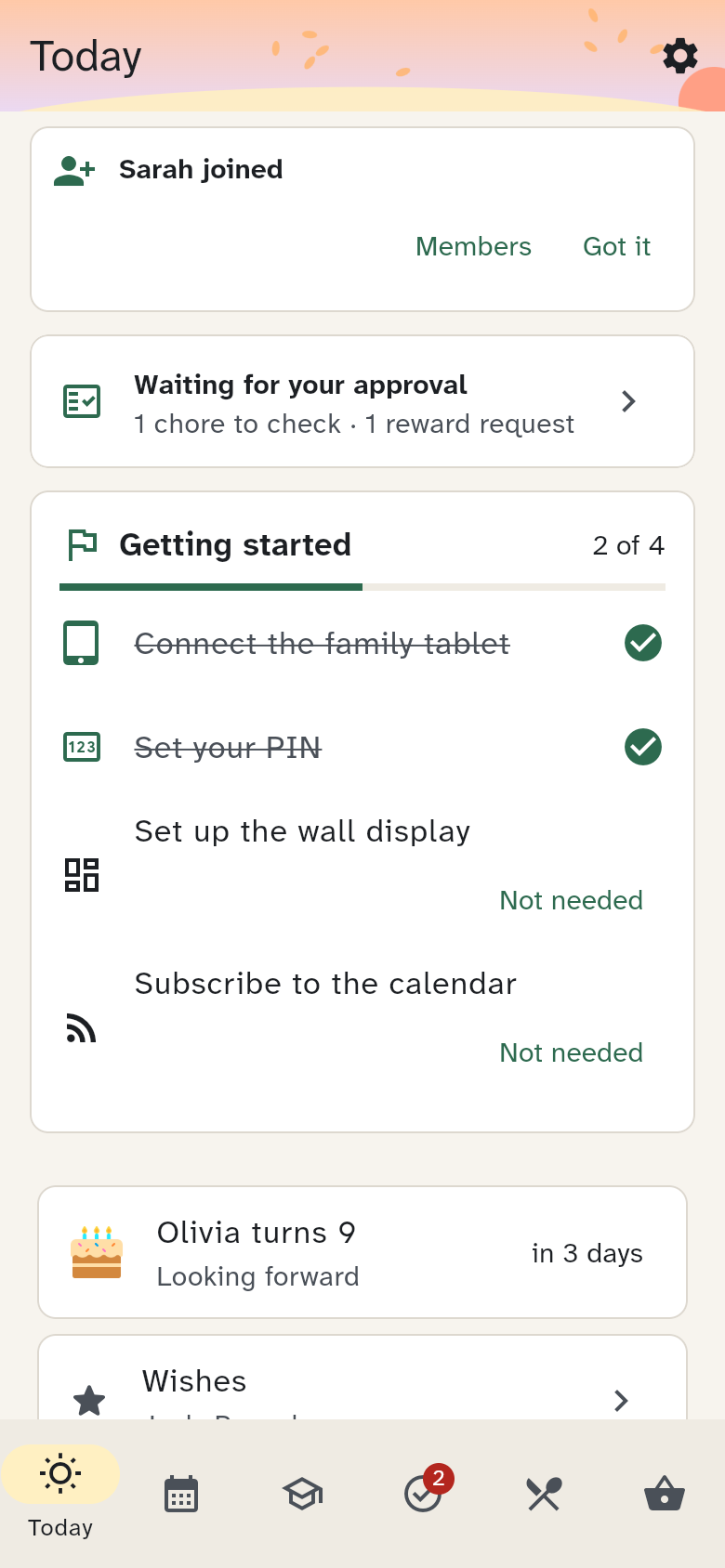
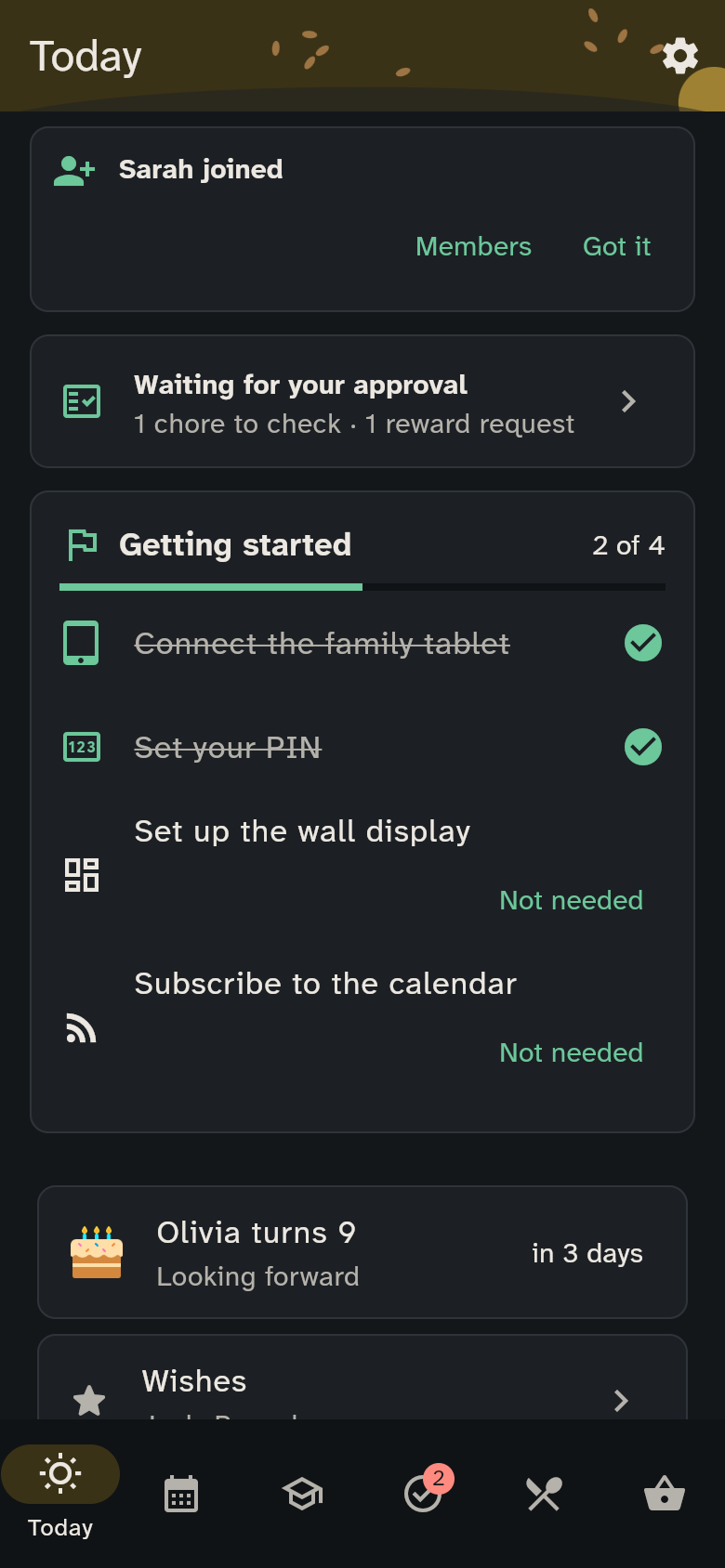
As long as something from the setup is missing, the Getting started card is at the top: invite your partner, connect the family tablet, set up the wall display, set your PIN, subscribe to the calendar and add the timetable. Each item disappears once it is done. If you do not need one, tap Not needed. On narrow screens or with larger text, buttons appear below the message. Guardians see the card on their own phone and on shared devices; under Settings → Getting started it comes back.
The household
Everything belongs to one household: your family. A household has members (each person has a name and a colour of their own) and devices (phones, tablets, the screen in the kitchen).
Two kinds of members
| May | |
|---|---|
| Guardians | everything: add members, connect and block devices, manage security |
| Members (the children, for example) | use the shopping list: add items, tick them, finish the trip |
Three kinds of devices
| Device | Who uses it? | How is it signed in? |
|---|---|---|
| Personal — your own phone | one person | You sign in with email and password. The device knows who you are. |
| Shared — the kids' tablet, for example | several people | The device belongs to the household. Whoever uses it taps their name. |
| Wall display — the screen in the kitchen | everyone | Like "shared", but with big type and no keyboard. |
Three views
Each device shows WuselWall in the view that suits it: compact for adults, larger and simpler for children, extra large for the wall. Guardians choose a device's view when they set it up.
Language and theme
WuselWall speaks German, English, French and Spanish and follows your device's language at first; other languages show the German version. Under Settings → Language you set the language for this device. It also follows the device's light or dark theme at first; under Settings → Appearance you can set this device to Light or Dark (or back to Automatic). The wall display turns dark automatically from 21:00, whatever is set.