
Reminders
You get reminders on your own phone, once you switch them on: under Settings → Reminders. They are created on the phone itself. None of it is sent to a server or to third parties. That is why they exist only on a family member's personal device, not on a kids' tablet or the wall display. On a device that cannot show reminders, the entry does not appear in the settings.
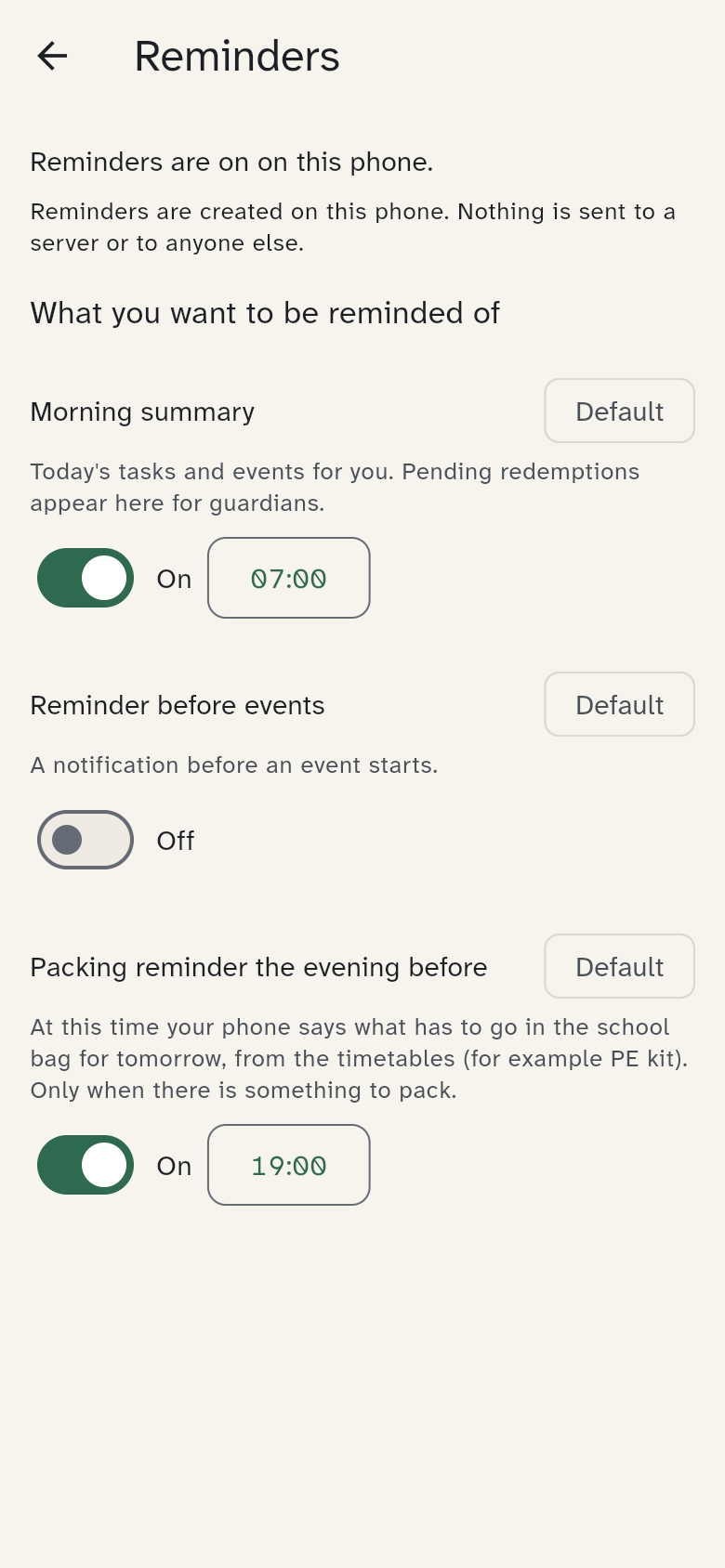
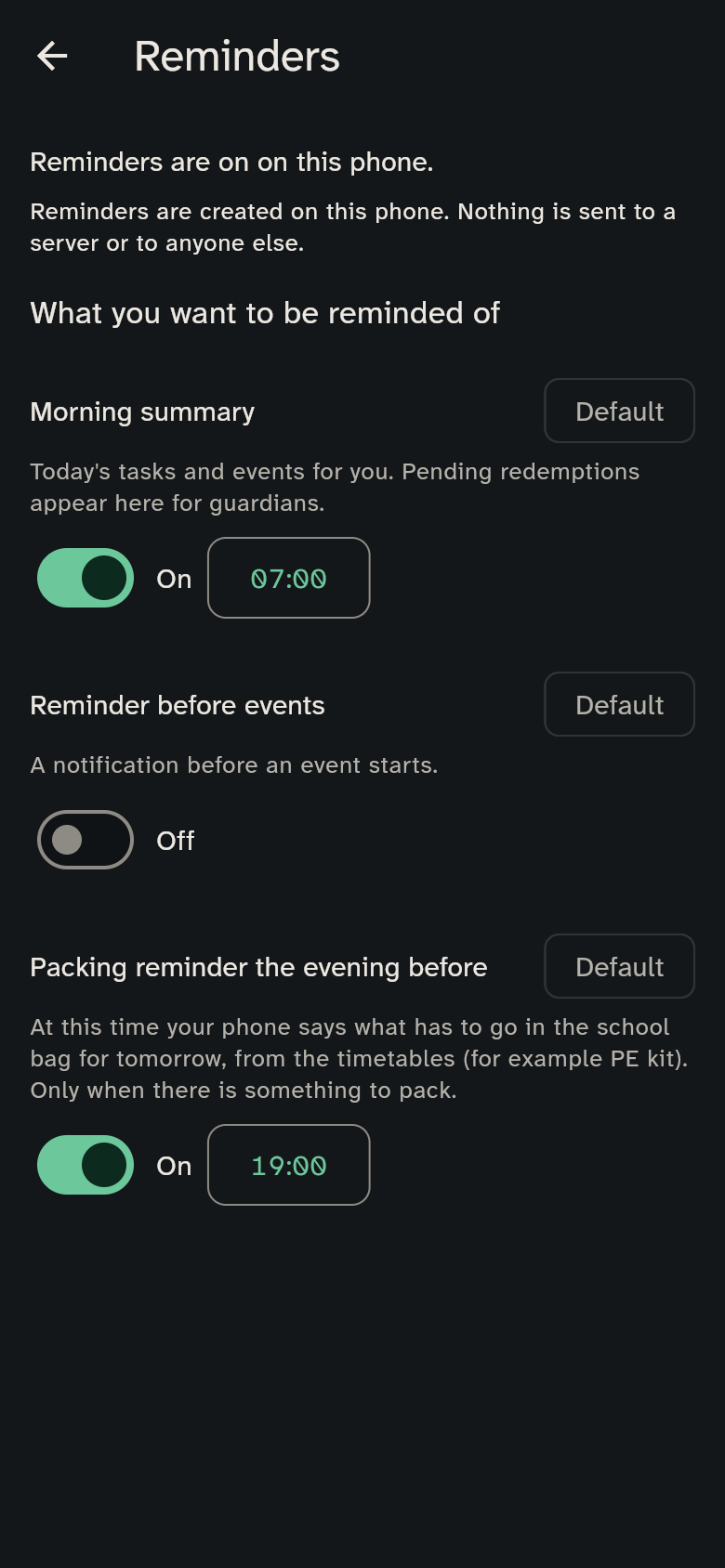
What you get
- Morning summary: a notification in the morning, for example "Today: 3 appointments, 2 tasks" and "First up at 8:00: swimming". You set the time. In the next morning summary, guardians also see how many chores and reward requests are waiting for their approval, for example "2 approvals waiting". The count is what the phone knew when it last planned the reminders; opening the app brings it up to date.
- Reminder before appointments: a notification before an appointment you are part of starts.
- Packing reminder the evening before: for example "Pack for tomorrow – Olivia: sports kit", from the timetables. Adults get it for every child, a child on their own phone for themselves. It comes only when there is something to pack.
You control each with a switch. The settings apply only to you. By default the morning summary is set to 7:00 and the packing reminder to 19:00, and the appointment reminder is off.
Permission
The first time you switch them on, the phone asks for permission to show notifications. If you say no, there are no reminders. You can change the permission in your phone's system settings.
On the wall display
The wall display has no reminders of its own. Its appointments are shown on the week anyway.