
Wusel and colours
WuselWall should not only keep order but also make the day a little lighter. That is what Wusel is for, a small round creature that is pleased by what the family gets done, and the colours, which follow the time of day and the year.
Who Wusel is
Wusel is German for a small child who won't sit still. Our Wusel lives in the kitchen. Wusel's tufts are the colours of your family members, so Wusel belongs to everyone and to nobody in particular.
Wusel praises what happened, not the person: "All done. That went well!" rather than "You're great!". Wusel never compares anyone, is never sad or disappointed, and never sends a notification. When something is not done, Wusel says nothing at all. That stays a conversation between you.
Where Wusel appears
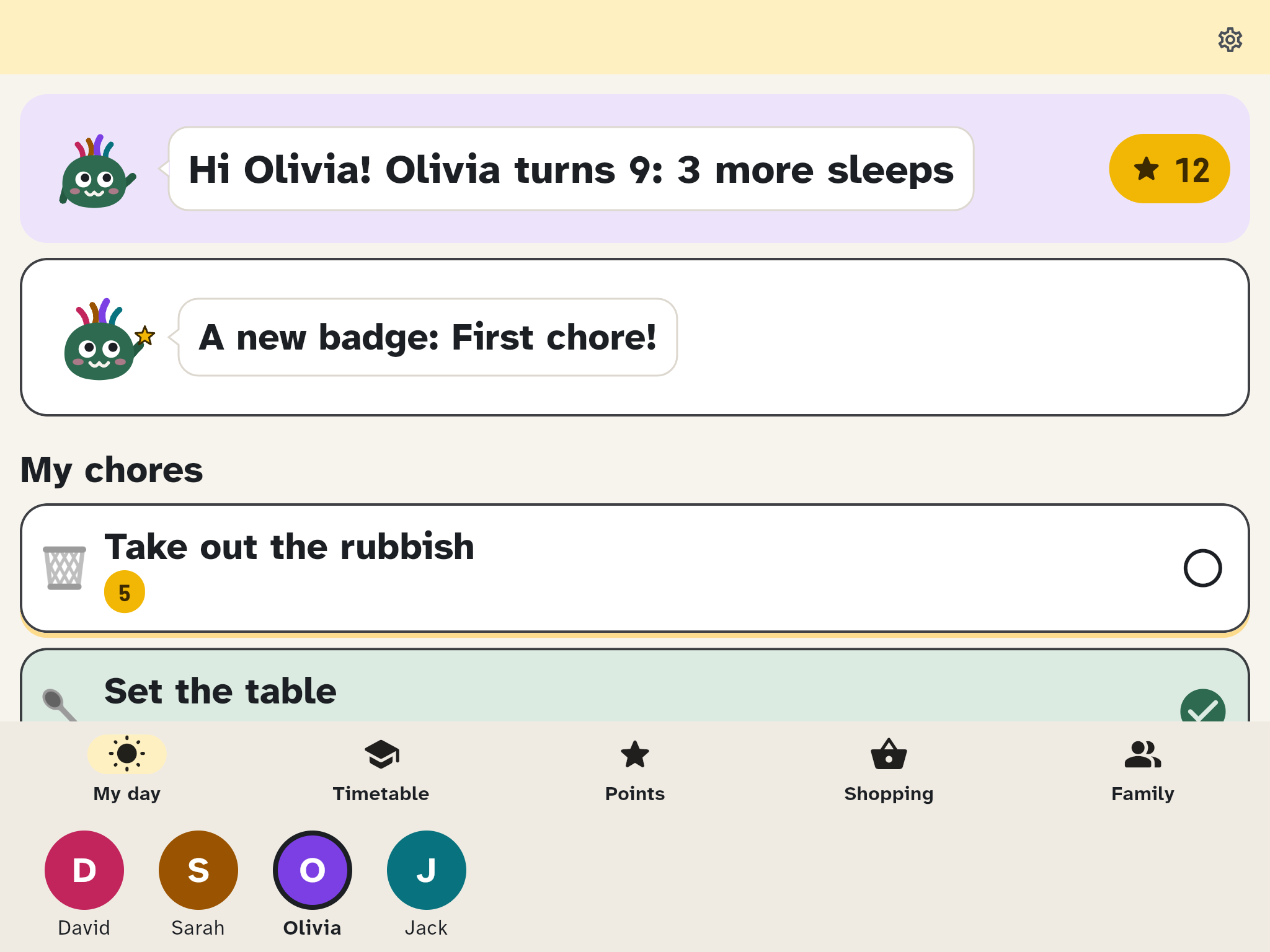
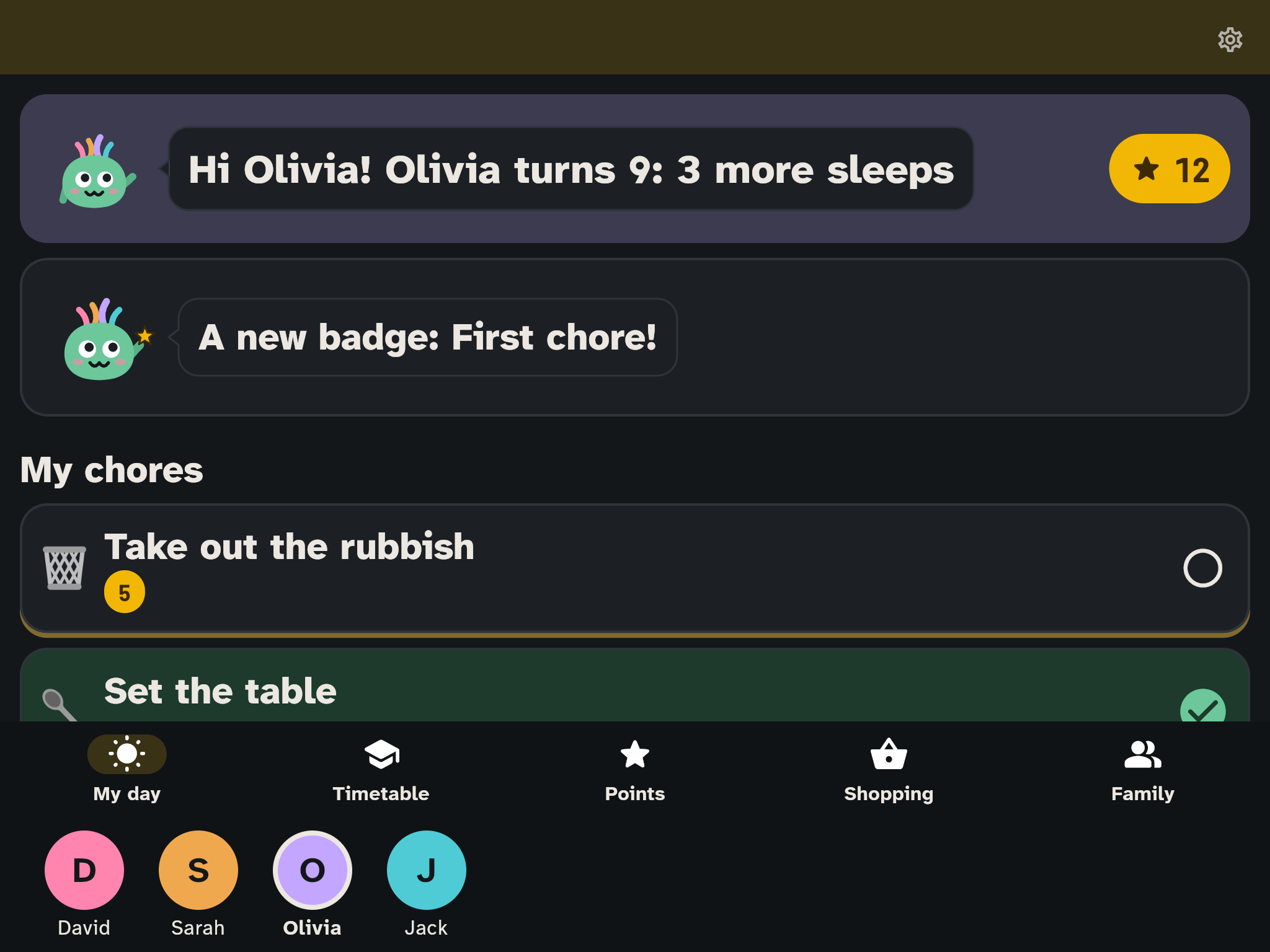
- My day on the kids' tablet: Wusel waves and greets the child by name, with one useful thing about today: their own birthday, a family tradition ("Today is Pizza Friday!"), the first lesson ("Today you start with maths."), the warm meal, or what the child is looking forward to.
- The child's own birthday: the first time My day opens that day, Wusel in the party hat fills the whole screen with confetti for two seconds (a tap closes it sooner). Once a day per device, not during the night hours, and only while the Birthdays occasion is on.
- Waiting and no connection: if My day takes longer than two seconds to load, or the tablet has no connection, Wusel thinks: "Just a moment…" or "Hang on, looking for the internet…".
- The last chore of the day: Wusel cheers, with confetti and a short sound.
- A reward requested: Wusel is proud: "Sent! A grown-up will decide." When a grown-up says yes on another device, the kids' tablet plays the badge sound.
- A new badge: Wusel holds up a star and names the badge, for two days on My day and under Points.
- Empty pages: Wusel peeks over the bottom edge, for example on an empty shopping list: "Nothing on the list yet. Tap a tile."
- On the wall Wusel sits in the header. In the first half hour after the night ends (usually 6:00 to 6:30) Wusel waves and says "Good morning, everyone!". At night Wusel sleeps, without a connection Wusel is thinking, and on a birthday there is a party hat.
- On the wall's chore board Wusel cheers at the top of a person's column as soon as they have done all of today's chores.
- Today on the phone: on a birthday, with a card, and on the first day of the school holidays Wusel waves and wishes you a good time off.
- Getting started done: when the last item of the Getting started card is done, Wusel cheers once: "That's everything set up. Welcome home!"
Wusel never appears where you are entering something (the shopping tiles and the search above them, the event and chore editors), and never next to errors, the PIN, signing in or deleting. What Wusel says is always there as text as well; a tap on the speech bubble hides the line.
Wusel's outfit
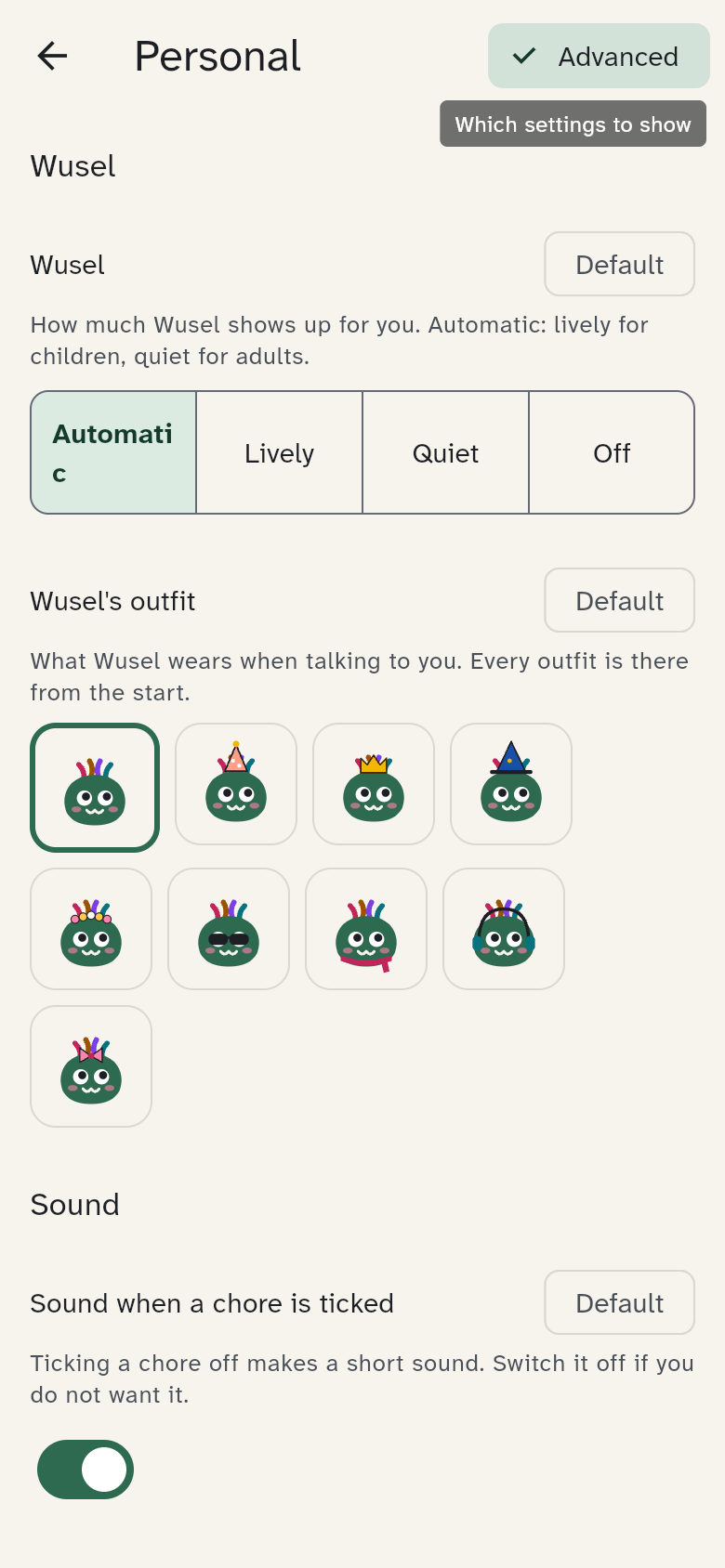
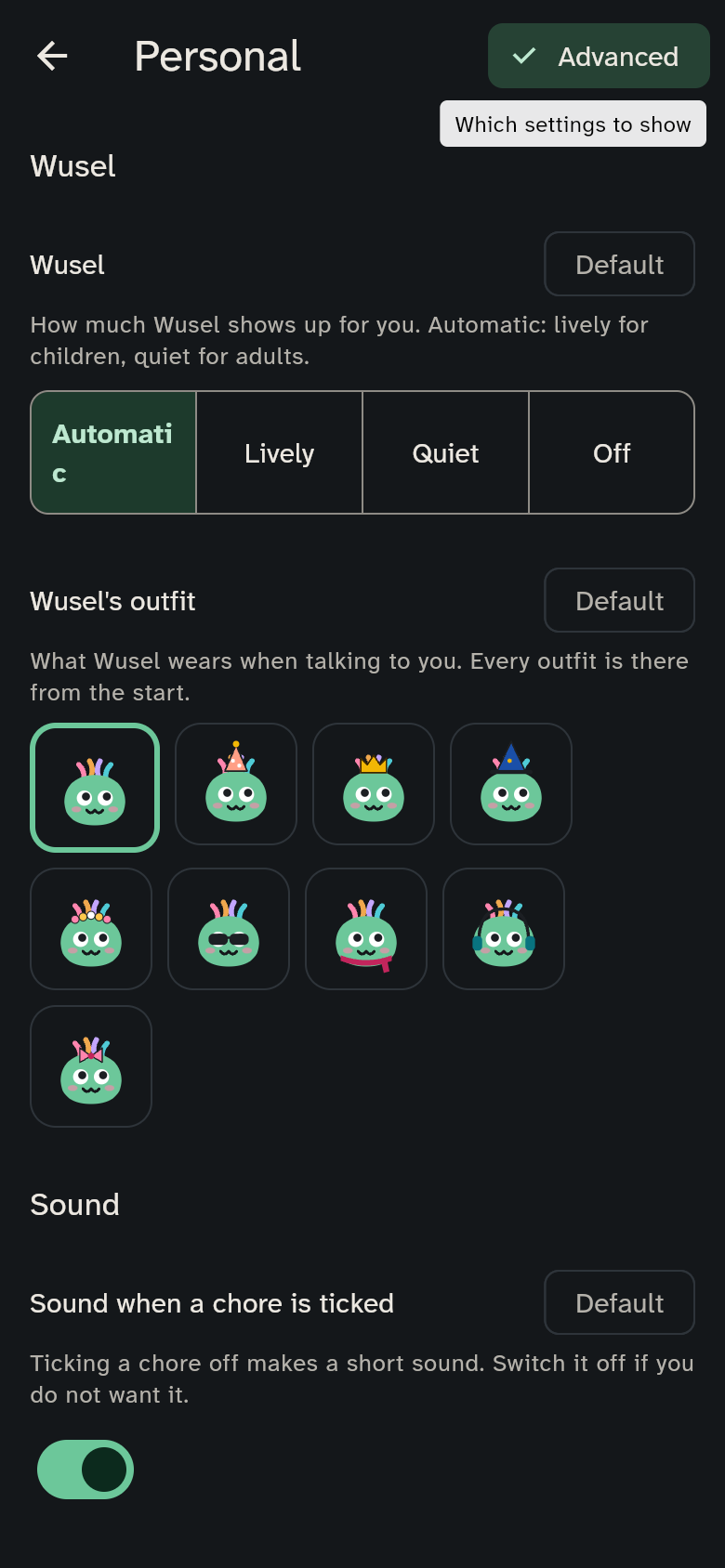
Everyone can dress Wusel: Party hat, Crown, Wizard hat, Flower wreath, Sunglasses, Scarf, Headphones or Bow. Every outfit is there from the start and costs nothing; nothing has to be earned. Wusel wears it whenever it is about that person: on their kids' tablet, on their phone, and on the wall once they have chosen themselves.
You choose it under Settings → Personal at Wusel's outfit (Advanced view). On your own birthday Wusel wears the party hat. On the wall, which belongs to everyone, Wusel otherwise wears nothing.
How lively Wusel is
In Settings → Personal each person sets Wusel (in the Basic view too):
- Automatic (default): lively for children, quiet for adults
- Lively: Wusel moves and talks
- Quiet: Wusel stays still and appears only on empty pages and special days
- Off: no Wusel for this person
For the wall and shared tablets, This device has Wusel on this device (default: lively). It applies while nobody is chosen; after that, the chosen person's own setting wins.
If Reduce motion is on for the device, Wusel stays still and there is no confetti.
Colours
- Every area has its colour: the bar at the top and the selected tab at the bottom. Today is yellow, Calendar blue, Tasks coral, Meals apricot, Shopping mint, Timetable lilac, Settings stone. Where the bar has room it shows a small picture: a basket for shopping, a broom and stars for tasks, a calendar page, a pot, a school bag and, quietly, two sliders in the settings. On a narrow phone they leave the room to the title. The colours and pictures only help you find your way; the people's colours stay the strongest.
- On the kids' tablet cards you can tap look like stickers: a dark edge and a coloured shadow. They sink in when pressed.
- The sky: in the wall's header and on Today a sky shows the time of day: dawn, bright day with two clouds, dusk (the sun sets in the hour before the night hours), and on the wall at night a dark sky with stars. Sky in the header (under This device) switches it off.
Seasons and occasions
The sky also dresses up for special days. Each occasion has its own switch under Settings → Celebrations & seasons (Advanced view):
| Occasion | What happens | Default |
|---|---|---|
| Seasons | blossom, sun, leaves or snowflakes in the sky | on |
| Birthdays | bunting in the person's colour and a party hat for Wusel | on |
| School holidays | a ribbon, "Holidays!" on the first and "Last day of the holidays" on the last day; on Today it sits beside the title | on |
| Advent | candles in the header, one more on each Advent Sunday | by your region |
| Easter | eggs in the hills from two days before to two days after Easter Sunday | by your region |
| Orthodox Easter | the same eggs on the Orthodox date | by your region |
| New Year's Eve | small fireworks in the night sky on 31 December and 1 January | off |
"By your region" means WuselWall follows the country of your region. In Germany, Austria and Switzerland Advent and Easter are on and Orthodox Easter is off; in countries that celebrate Orthodox Easter it is the other way round. Both Easter dates are calculated anew each year, and a family can switch on both.
Sounds
WuselWall has four short sounds: a tick, points arriving, everything done, and a badge or reward. Whether they play for you is set by Sound when a chore is ticked in Settings → Personal. Sounds on this device (under This device) silences a whole device; Automatic means off on the wall and on elsewhere. There is never a sound at night.
Shopping makes no sound: when the last item is ticked or the trip is finished, the phone shows a small burst of confetti and gives a light vibration, once per trip. At night, and with Sounds on this device off, it does not vibrate.
Looking after the wall
A wall screen shows the same header for months. So that nothing burns into an OLED screen, Protect the screen from burn-in (under This device, Advanced view) moves everything by up to 2 pixels every 10 minutes. Automatic means on for the wall and off elsewhere. You won't notice it.