
Chores
Chores make everyday life predictable without anyone having to keep reminding. The Tasks area has five tabs: Today, Approvals, Chores, Rewards and Points.
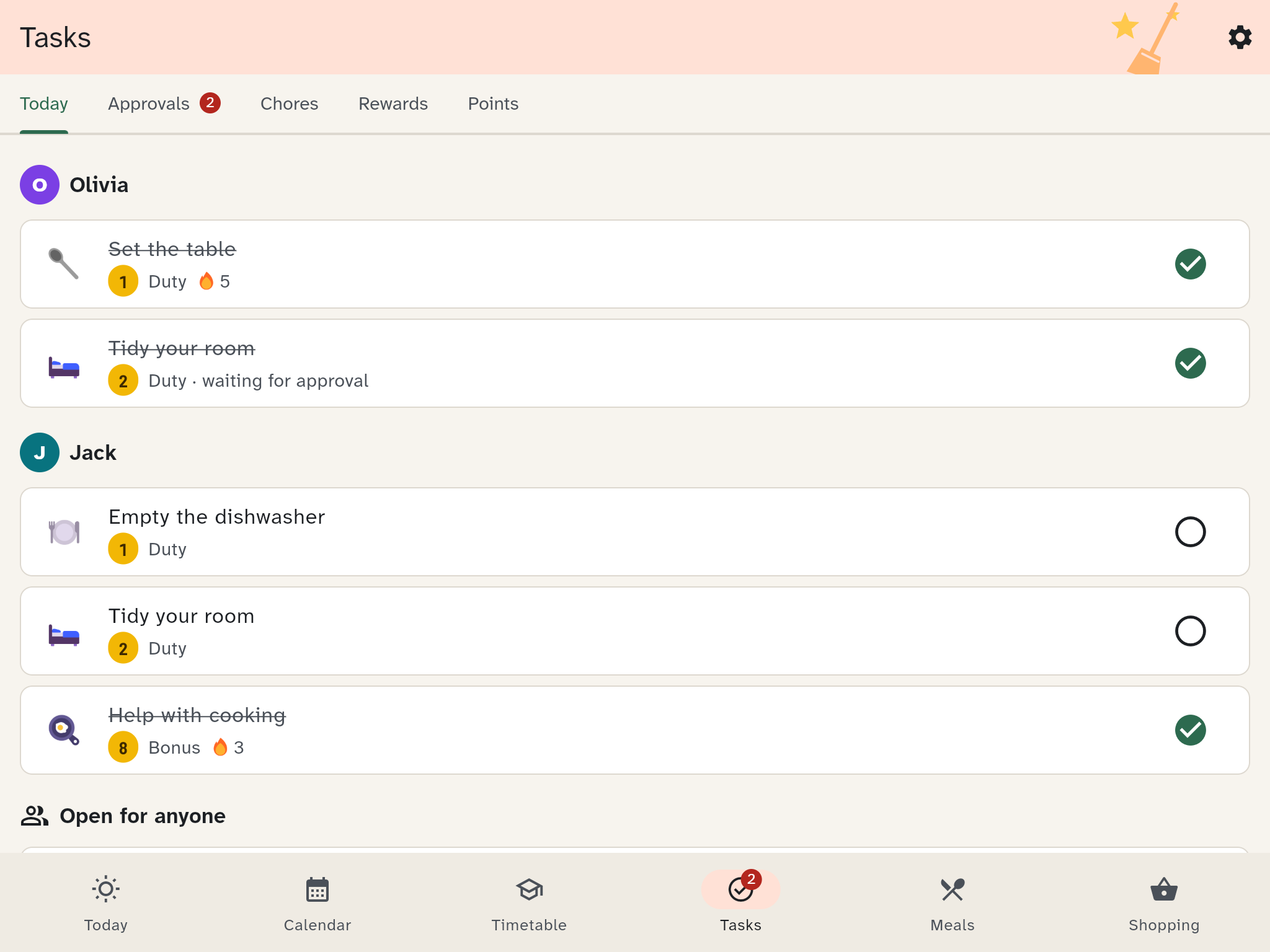
Today
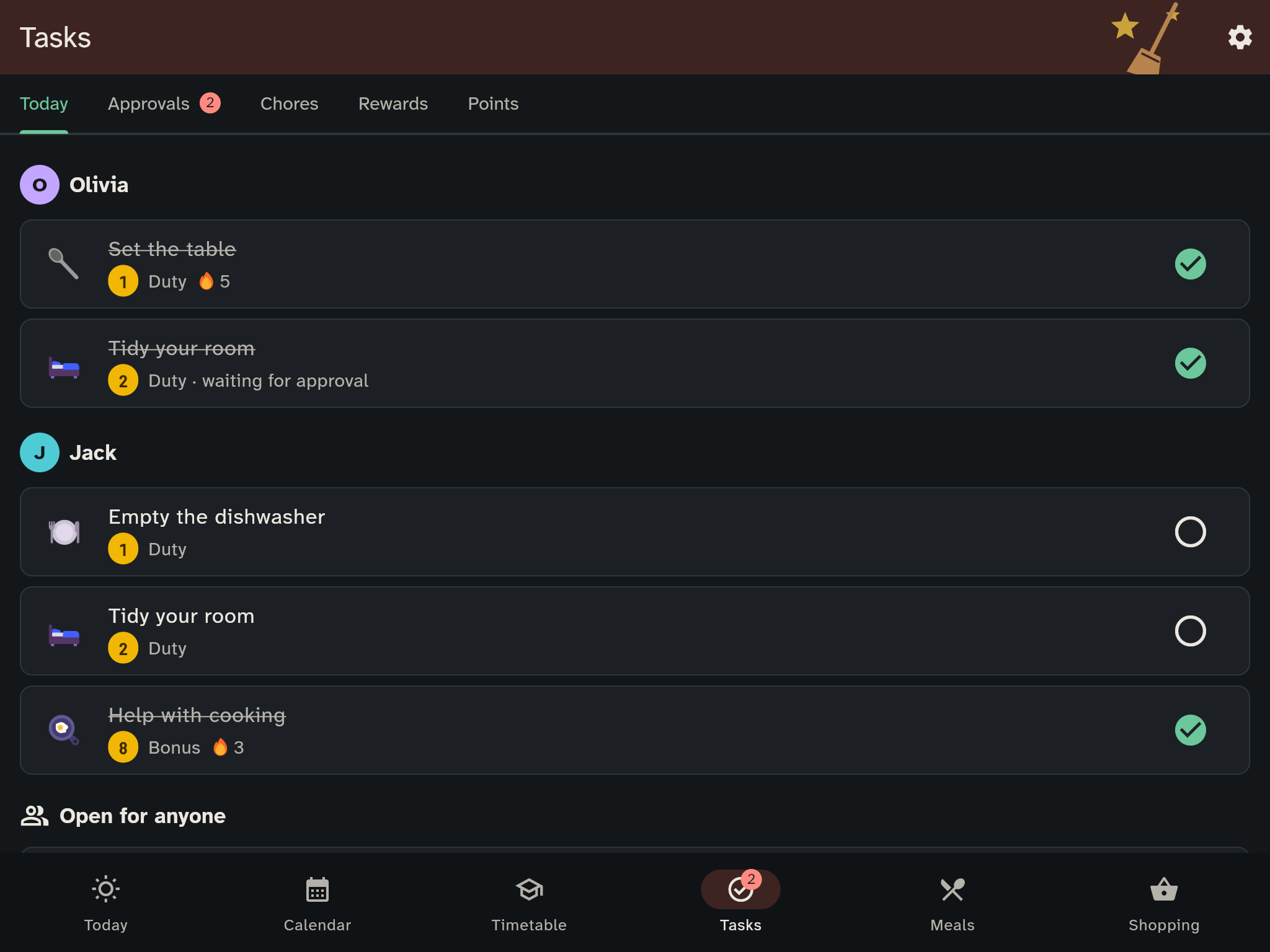
This is where today's chores are listed, per person.
- Tap a chore to tick it off. With Undo you take it back.
- Open for anyone marks chores that any person may take. Whoever gets there first has it.
- The streak shows on how many days in a row someone kept up, for example "🔥 3". A streak joker keeps the streak alive on a missed day, for example a sick day.
On the kitchen wall, a tap on Open today opens the same family chore board.
On the kids' tablet and on the wall, Wusel joins in: when the last chore of the day is ticked, Wusel cheers with confetti and a short sound, on the wall at the top of that person's column. When a child requests a reward, Wusel is proud. For a chore left undone, Wusel says nothing.
Approvals
Everything that someone needs to confirm lands here: finished chores that should be checked, and reward requests. Tap Approve or Decline.
Guardians also see what is waiting on Today: the card Waiting for your approval, for example "2 chores to check · 1 reward request". Tapping it opens the approvals. The Tasks icon at the bottom shows the same number. The card cannot be dismissed; it disappears once everything is decided. Members without guardian rights do not see it.
Creating chores
In the Chores tab, tap New chore:
- Type: Duty is expected of everyone and earns few points. Bonus is optional and earns points.
- Points
- Repeat: once, daily, on weekdays, weekly, every 2 weeks or monthly
- Can be done: only on the due day, or for some days after it
- Who: One person (fixed), Taking turns, Whoever wants (open) or Everyone
- Approval by a grown-up: points come only after a check
A new chore is daily and goes to all the children Taking turns (with no children: Whoever wants), so a title is enough to save it.
A chore you no longer need can be archived. Its open future entries are then removed.
Start with the starter pack
The Chores tab offers a starter pack: five chores, three rewards and four badges to begin with. Everything can be changed afterwards.
Rewards
Each reward costs points. Stock limits the number; empty means unlimited.
- Needs approval first: when on, a guardian confirms the redemption with the PIN. When off, you redeem it yourself. That only suits small things.
- Anyone who wants a reward taps Ask for it.
- The History shows what is waiting, redeemed and already handed over. Mark a reward with Mark as handed over.
Points
The Points tab shows each person's balance and all movements: chores done, ticks taken back, rewards redeemed, corrections and badges. A correction is made with Correct, and it always needs a reason.
Why it is built this way
- Duties earn little. What everyone is expected to do should not be paid like work. The streak is their reward.
- No ranking. WuselWall does not set children against each other. The look back at our week shows chores only as one number for the whole family.
- Small rewards come early. One bonus chore is enough for the cheapest reward.
- A sick day does not wipe out a streak. That is what the streak jokers are for.
You set these values under Settings → Tasks & rewards.