
Installing the app
WuselWall runs in the browser, on Android and on iPhone and iPad. Each one connects to your family's server: that is where your data lives, not with us.
At first start: which server?
The app doesn't know by itself where your data lives. So at its first start it asks Which server?:
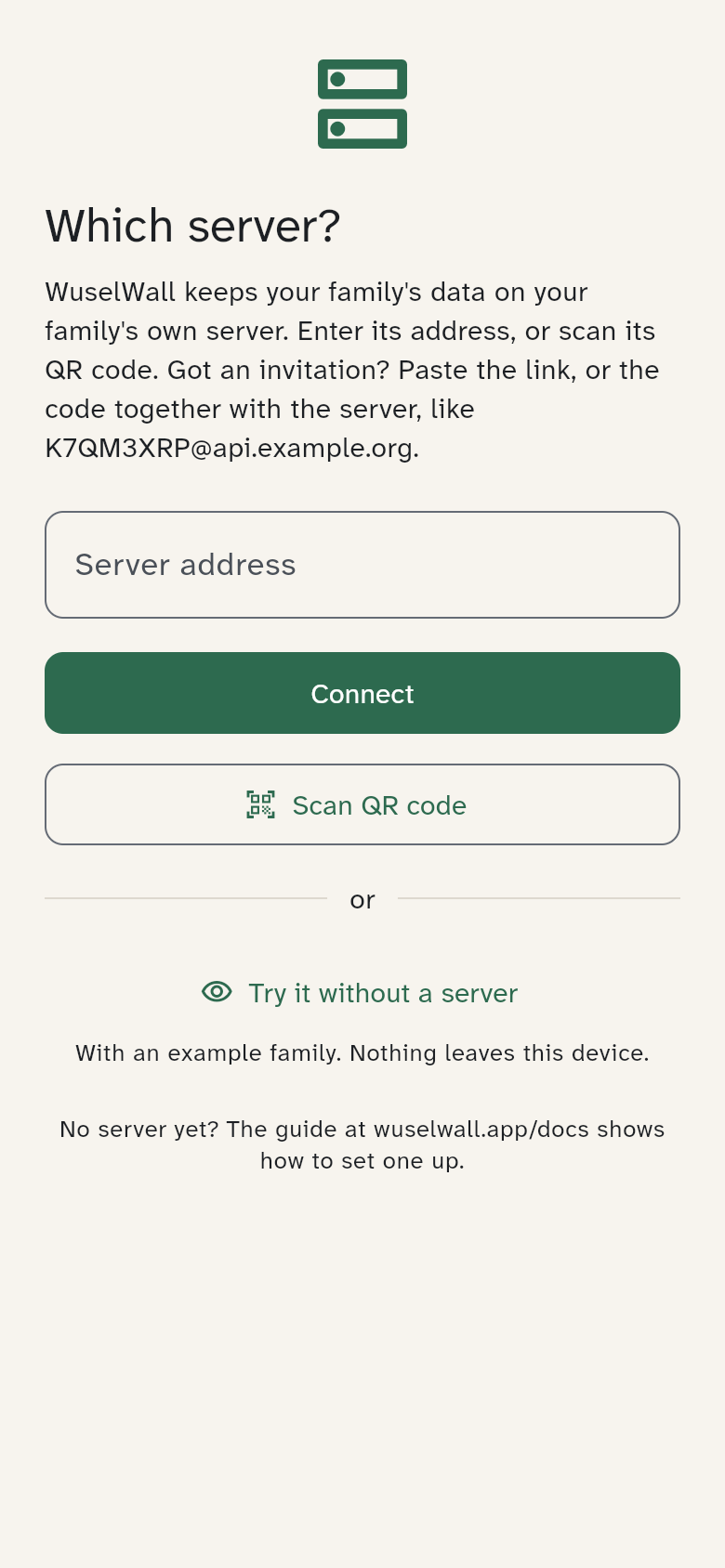
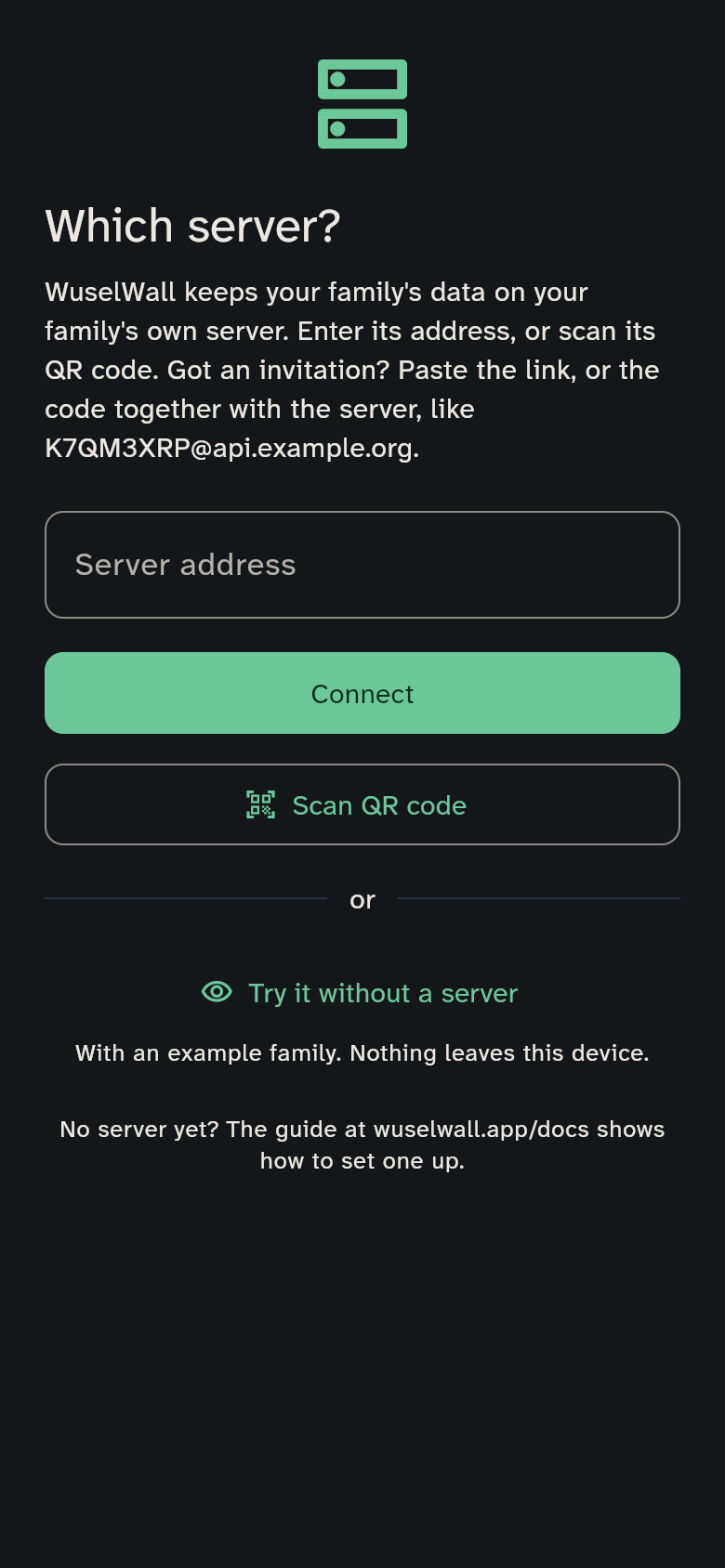
- Enter the address you got from whoever set up your server, e.g.
api.example.org. For a server at Supabase, the project ID is enough. - Scan the QR code: on a device that is already connected, it's under Settings → Advanced → Server. The code from Add device works too and connects the device at the same time (Connect a device with a code).
- Try it without a server: the app shows an example family. None of it is saved, and nothing leaves the device. Exit takes you back to the question.
The app remembers the server. To choose another one, go to Settings → Advanced → Server → Change server (Members and devices).
No server yet? Your own server shows how to set one up.
In the browser — on any device
Your server comes with its own web app. Open its address in the browser, on a laptop as well as on a phone. You get the address from whoever set up your server. There is nothing to install.
On the home screen
On iPhone: Share → Add to Home Screen. On Android: ⋮ → Add to Home screen. WuselWall then opens like an app.
Passkeys aren't available in the browser yet; sign in with email and password.
Android app — tablet and Android phones
The Android app is coming to Google Play. Until it is there, WuselWall works in the browser (see above).
iPhone and iPad
The iPhone and iPad app is coming to the App Store. Until then WuselWall works in the browser (see above).