
Who are you?
Shared devices and the wall display are used by several people. So WuselWall asks at the bottom: Who are you? Tap your name (your colour) and your actions are yours — the list shows, for example, who added an item.
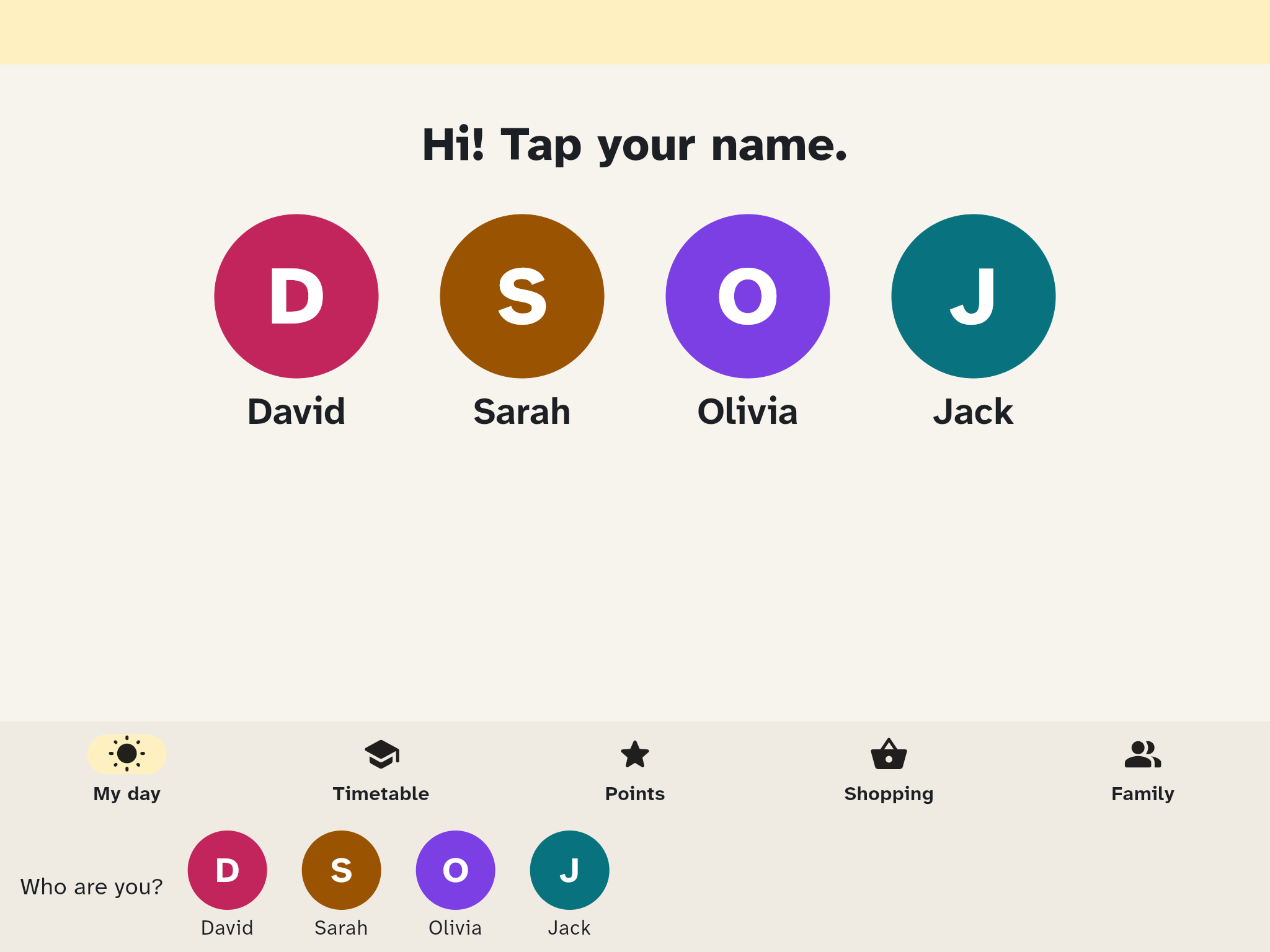
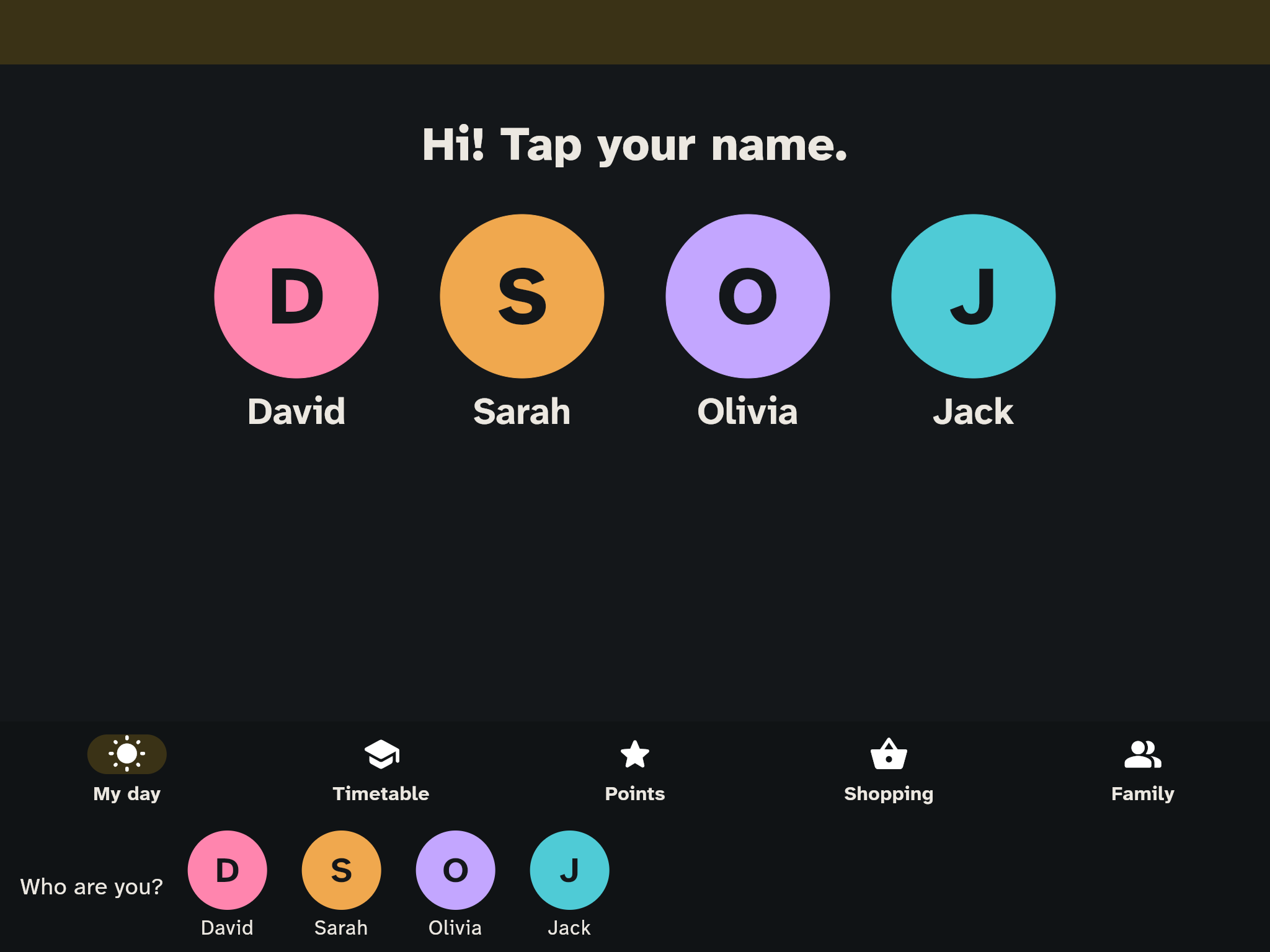
- Without a name nothing can be changed. The device tells you: "Tap your name first."
- On the wall display, the device goes back to "nobody" after one minute without a touch, so the next person doesn't act as you by accident.
Settings on the tablet and the wall
On a tablet for everyone the gear for Settings only appears once someone has tapped their name. What you find then depends on who you are:
- Guardians see all settings, as on their own phone. They confirm changes with their PIN (see below).
- Children and adults who are not guardians see only their own settings: Wusel, Wusel's outfit and the sound when a chore is ticked. They need no PIN for this, and there are no other settings for them there.
- On the wall display the gear is always there. If nobody is selected, WuselWall first asks Who are you? Settings open only once you have tapped your name; Cancel does nothing.
When the device goes back to "nobody", for example after a minute without a touch on the wall, the settings close too.
The guardian PIN
Some things are for guardians only — adding or blocking devices, for instance. On a shared device, tap your name and enter your 6-digit PIN. For the next 15 minutes you can do guardian actions.
- The PIN counts for you only: if someone else taps a different name during that time, they gain no rights.
- A wrong PIN shows how many tries are left. After a few mistakes you have to wait a moment; after ten, the PIN is locked.
- PIN locked or forgotten? Sign in on your own phone and set a new one under Settings → Advanced → Security → Guardian PIN. That unlocks it at once.
On your personal phone you don't need the PIN: you are already signed in.