
All settings
Not every family does things the same way: how many points a chore earns, whether children may change appointments, or when the kitchen wall switches over may differ for you. You set this under Settings. The page is a short list of groups, and each group opens its own page.
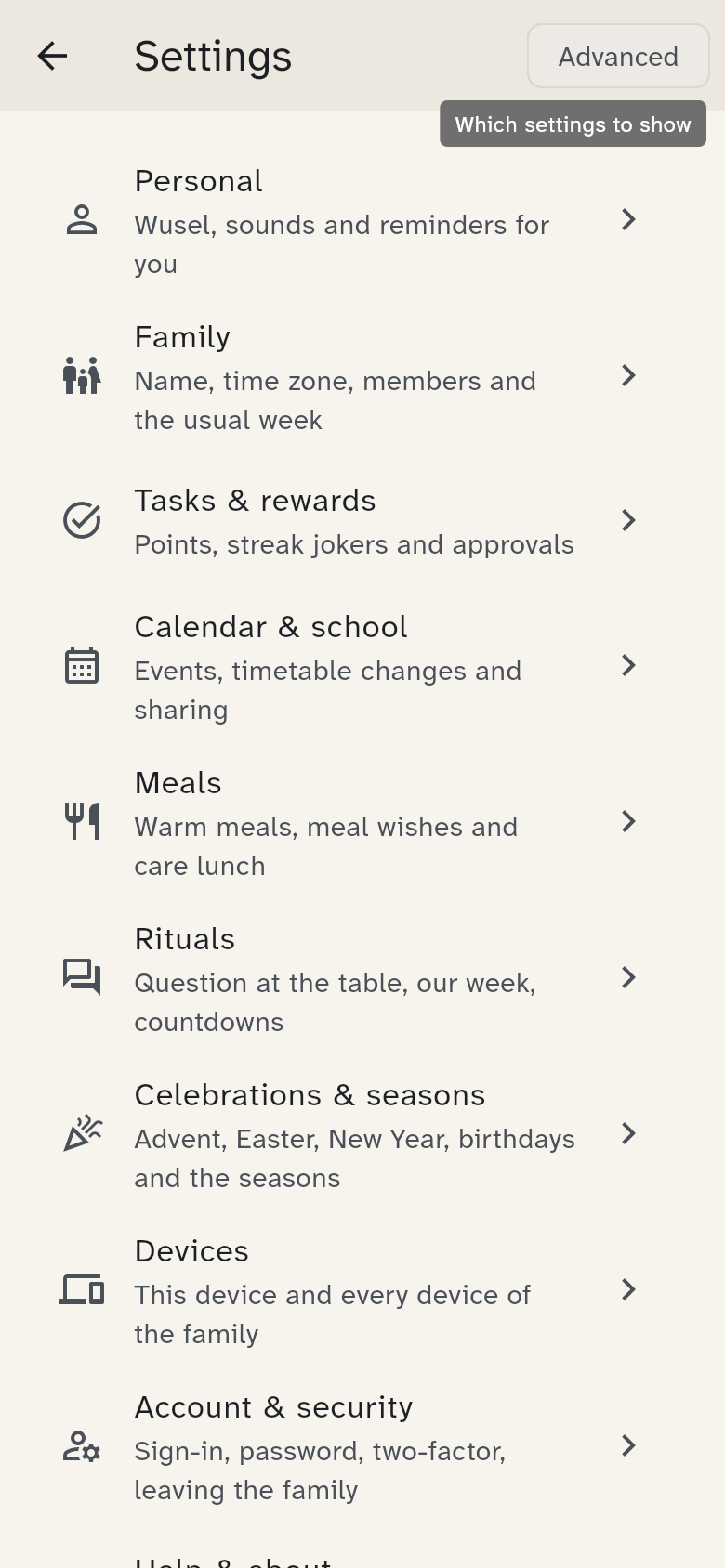
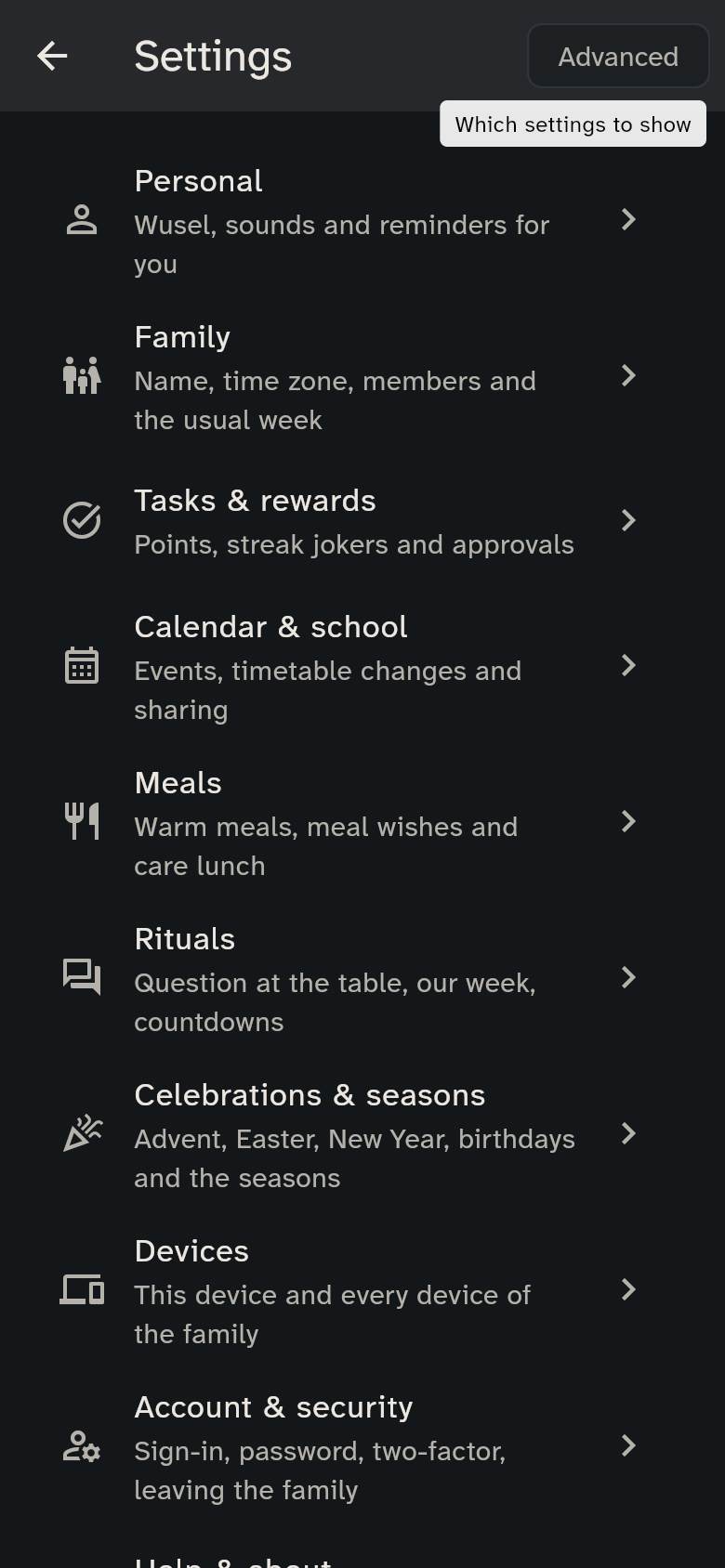
The Basic view shows only the most important settings: the region, streak jokers, whether rewards need approval, whether children change their own appointments, the warm meal on school days and free days, the question at the table, our week, meal wishes, this device's night hours, Wusel, the sound when a chore is ticked, the morning summary, the reminder before appointments and the holiday celebrations (Advent, Easter, Orthodox Easter, New Year's Eve). Advanced shows all the others (switch at the top, or tap Show all settings at the bottom). A group in which the view shows nothing is not in the list at all. Hidden settings still apply.
Every setting has a default, which WuselWall suggests. It suits most families. If your value differs, the setting says Customised. Reset to default brings it back at any time.
The groups
- Personal (as soon as someone is chosen; always on your own phone): Wusel and Wusel's outfit, the sound when a chore is ticked and, on your own phone, the notifications: Reminders on this phone, the morning summary, the reminder before appointments, the packing reminder and when uncertain appointments are asked about. They apply only to the person chosen (see Wusel and colours)
- Family: the family profile (name, time zone, data export, delete), the region (country, canton or state, municipality) that public and school holidays follow, the members and the usual week. You choose the region when you add the first school; you can change it here later
- Tasks & rewards: points for a duty and for a bonus chore, whether new chores are duties or bonuses, whether guardians check chores, how many streak jokers there are per month and whether rewards need approval
- Calendar & school: whether children change their own appointments, which new appointments appear on the kitchen wall, whether children may report timetable changes and whether the equipment hint appears. The Advanced view adds Sharing and connections: sharing the family calendar and outside calendars
- Meals: whether there is a warm meal on school days and on free days (weekends, public holidays, school holidays), that away means not eating, until when care counts as lunch, and meal wishes
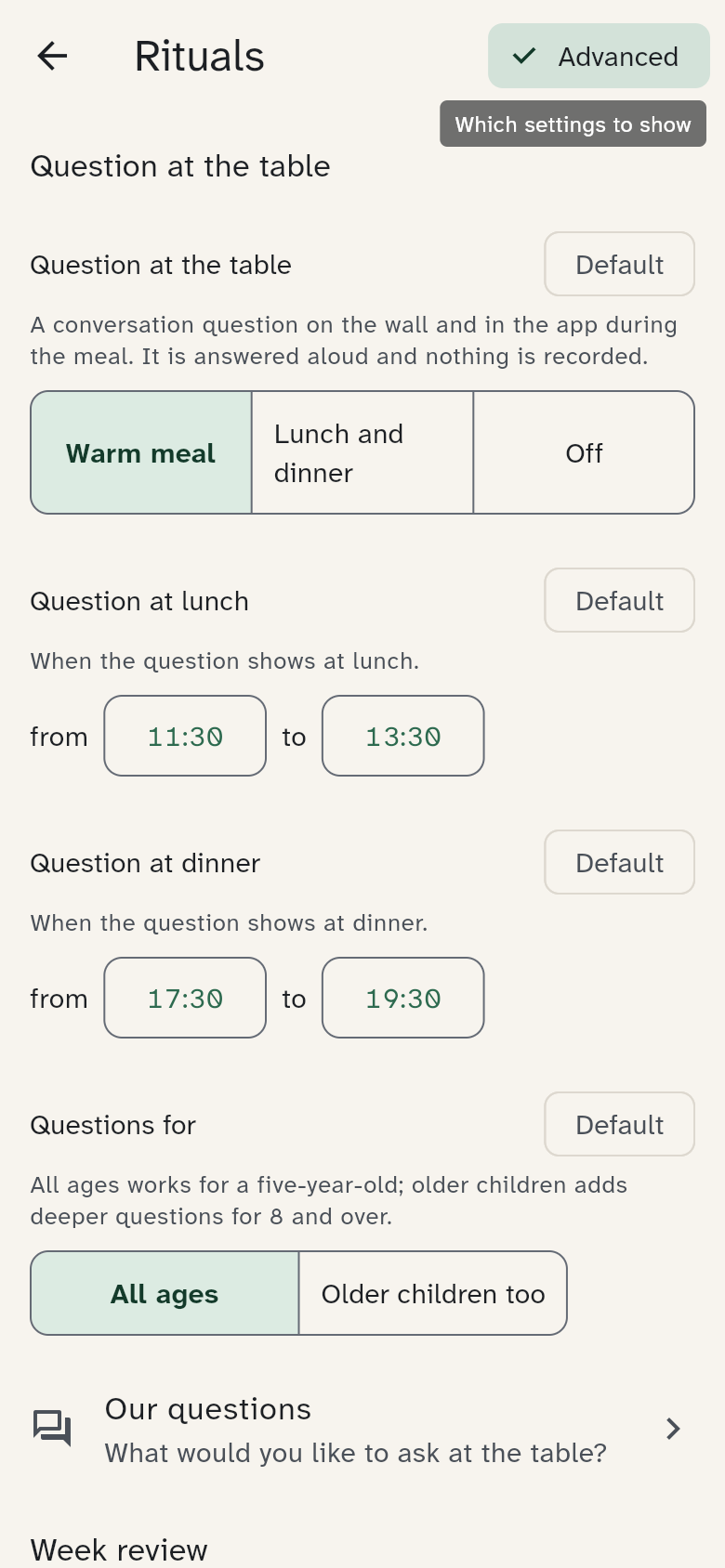
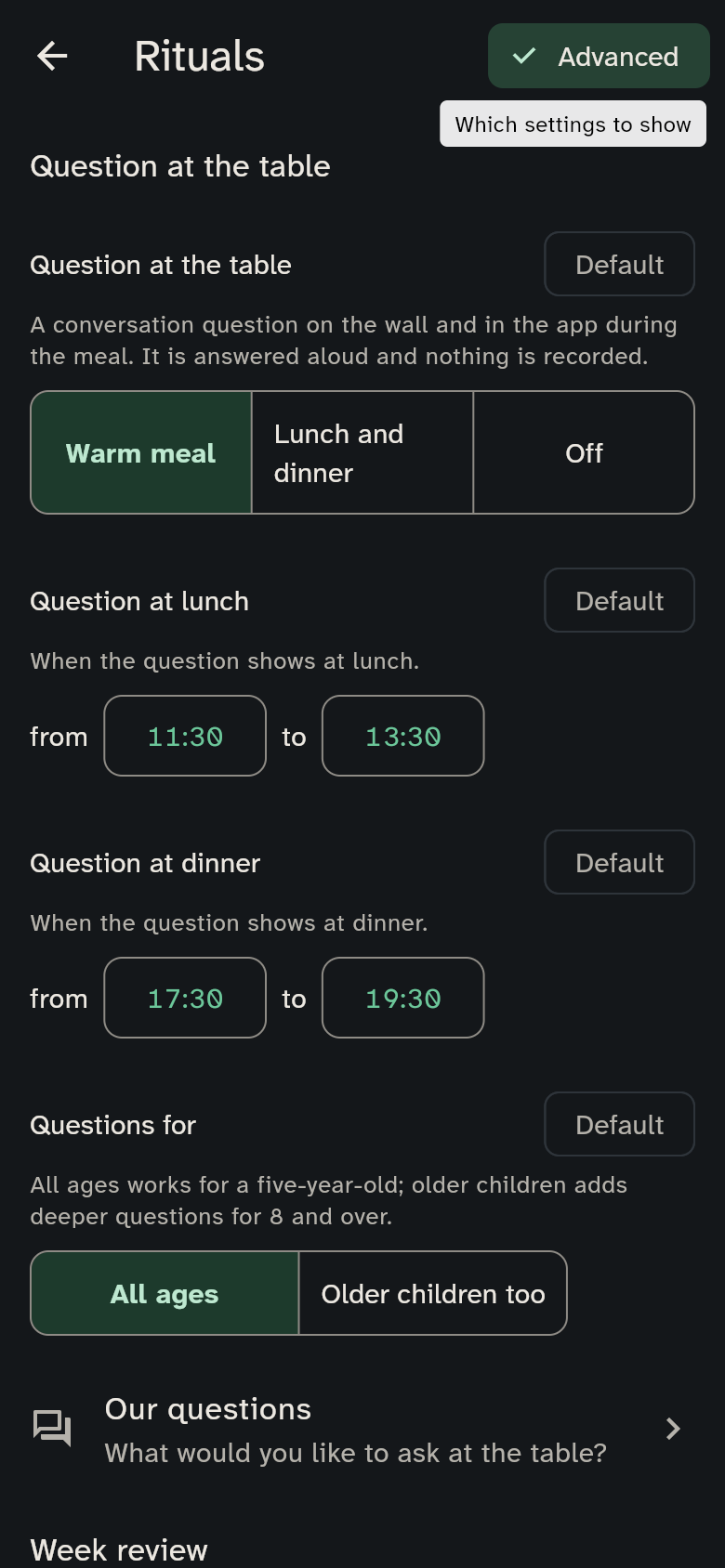
- Rituals: the question at the table, our week and looking forward, see below
- Celebrations & seasons (Advanced): the decorations in the sky for Holiday celebrations (Advent, Easter, Orthodox Easter, New Year's Eve) and Through the year (seasons, school holidays, birthdays)
- Kitchen wall (Advanced): whether the wall shows full names or only initials, when it moves on to the coming week and where morning, afternoon and evening split
- Devices: This device (language, appearance, night hours and the settings for Wusel, sounds, the sky and burn-in protection, see below) and All devices (connect, rename, lock)
- Account & security (your own phone only): in the Basic view Delete account; Advanced adds sign-in, password, two-factor, PIN, passkey and leaving the family (see Account and family and Security)
- Server (Advanced): the address of your server with its QR code, and Change server
- Help & about: Getting started, Versions and Licenses
Sign out this device is at the very bottom of the list.
On a tablet for everyone or the wall display, guardians who have tapped their name see everything. Everyone else finds only their own settings (Wusel, Wusel's outfit, sound), and with nobody selected the tablet has none at all; see Who are you?.
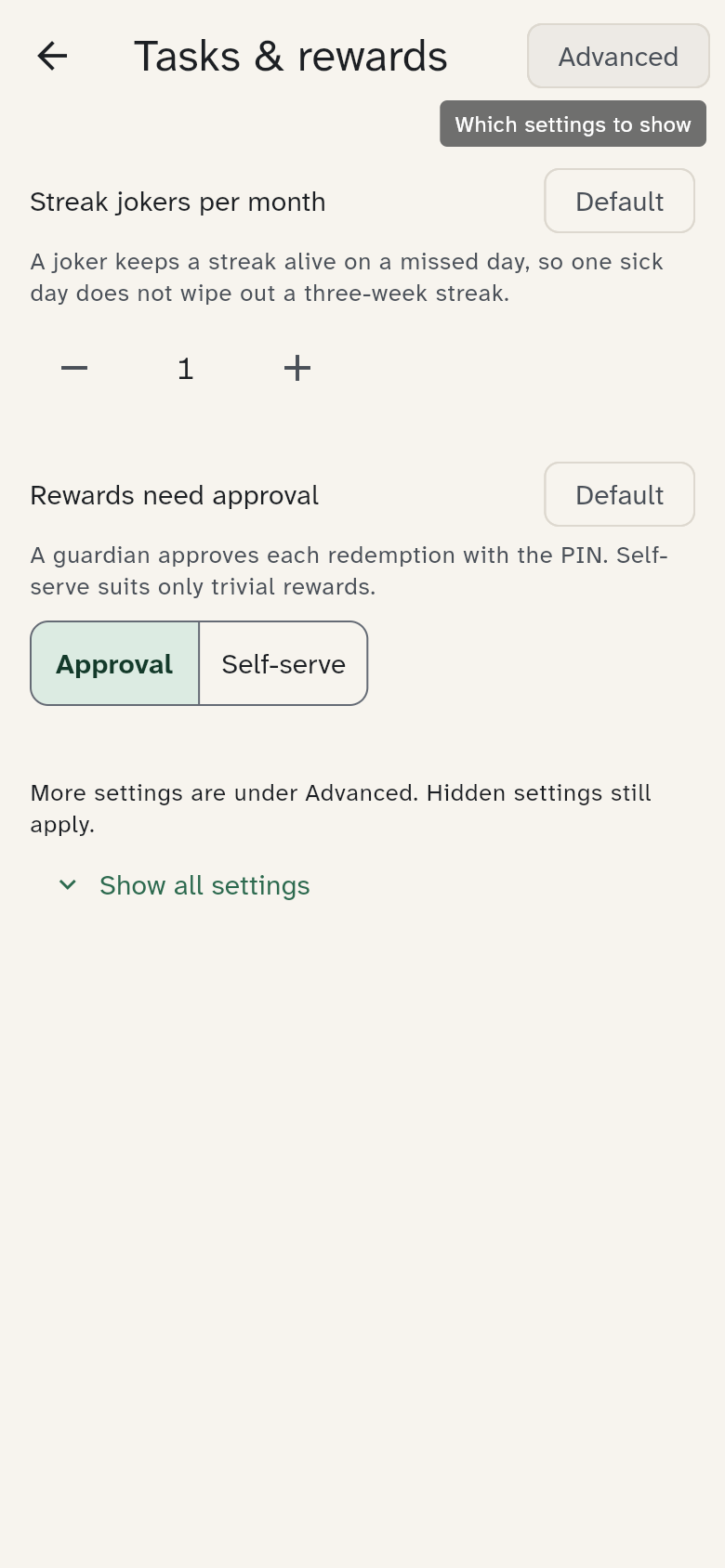
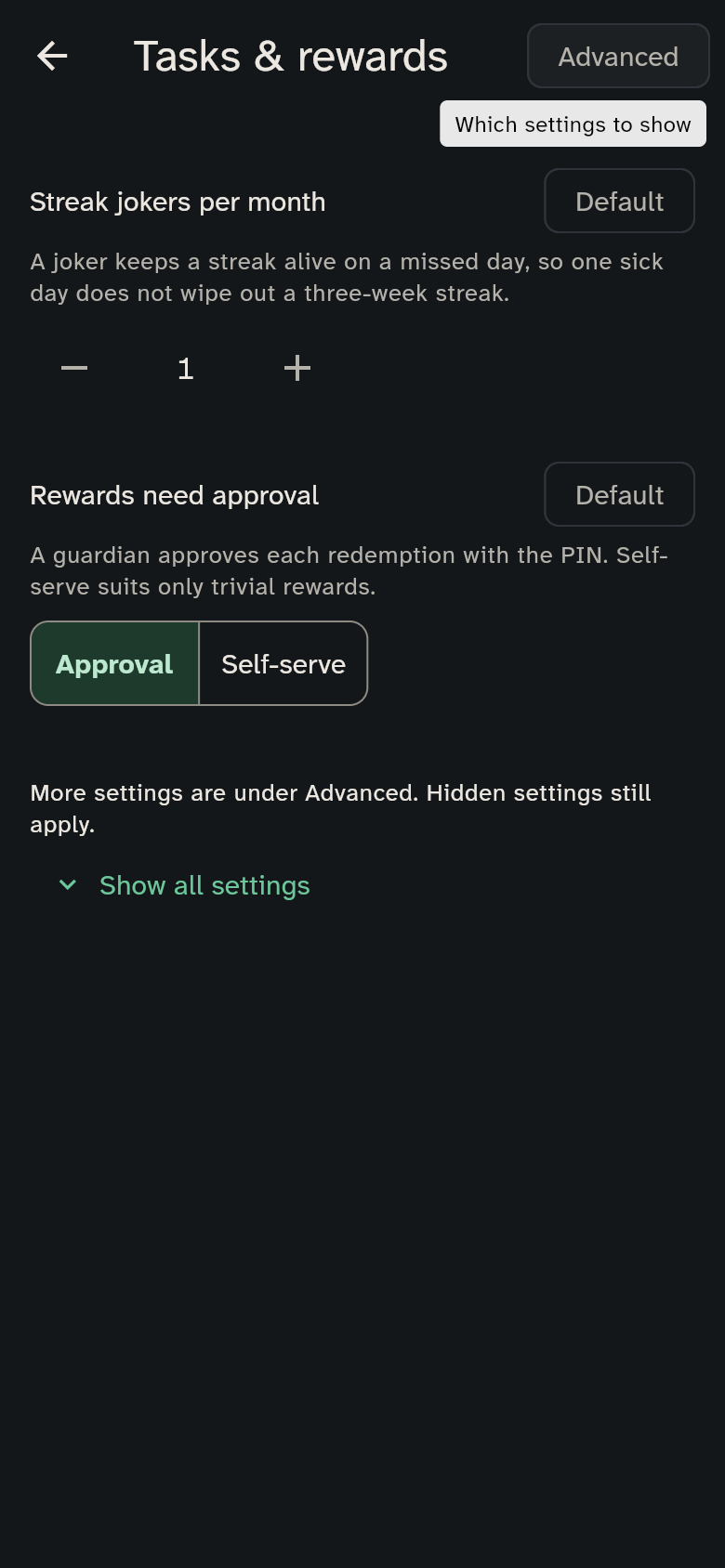
Each setting's description is right below it and explains what changes.
Rituals
The rituals are all on at the start. Each can be changed or switched off on its own:
| Setting | What it does | Default |
|---|---|---|
| Question at the table | when a conversation question appears: Warm meal, Lunch and dinner or Off | Warm meal |
| Question at lunch, Question at dinner | the times when the question shows | 11:30–13:30, 17:30–19:30; in France dinner 19:00–21:00, in Spain 13:30–15:30 and 20:00–22:00 |
| Questions for | All ages or Older children too (deeper questions for 8 and over) | All ages |
| Our week | weekday and time of the look back at the week, or off | Sunday 16:00 |
| Meal wishes | who may wish for a meal: Children, Everyone or Off | Children |
| Open wishes per person | how many wishes may wait at once (1–3) | 1 |
| Start looking forward | how many days ahead a countdown appears (7–60) | 14 days |
| Count down to a parent's return | "Back in 2 sleeps" when an adult travels for two nights or more | on |
Below the rituals, Our questions leads to the family's own questions for the question at the table, at any time of day.
In the Celebrations & seasons group (Advanced view) you switch the decorations in the sky for Seasons, Birthdays, School holidays, Advent, Easter, Orthodox Easter and New Year's Eve on or off one by one. What each occasion shows and which ones are on for your region is under Wusel and colours.
This device
These settings are under Devices → This device and apply only to the device you change them on, for example the wall:
| Setting | What it does | Default |
|---|---|---|
| Wusel on this device | how lively Wusel is while nobody is chosen: Lively, Quiet or Off | Lively |
| Sounds on this device | silences the whole device; there is never a sound at night | Automatic: off on the wall, on elsewhere |
| Sky in the header | the sky that changes with the time of day | on |
| Protect the screen from burn-in | moves everything by up to 2 pixels every 10 minutes, for OLED screens | Automatic: on for the wall, off elsewhere |
Try the defaults first
The defaults are a good start. After two weeks of use, have a look whether anything bothers you.